Using CAD EVAL
Upload a CAD model, and get a manufacturing cost estimate across eight processes in about a minute — without a CAD licence, a supplier, or an NDA. This page walks through the whole flow. It takes about five minutes to read, and you can follow along without a file of your own.
1 · What this is
CAD EVAL is a cost model. You give it a STEP file; it measures the part, works out which processes could physically make it, and prices each one. It is built for engineers and buyers sizing up a part before committing to tooling — the stage where getting three real quotes costs two weeks.
The model is the product. The numbers in it are a starting point.
The cost structure is built on established manufacturing methods: Chvorinov's rule for casting cycle time, cooling driven by wall thickness, clamp tonnage from projected area, tooling amortized across a programme rather than a single order, and published capability limits — NADCA for die casting, and equivalent sources per process — for what each process can physically make. That structure is the same in any shop, and it is what the tool actually gives you.
The rates it ships with are industry-standard published figures, not any particular shop's costs. Metal prices are indexed to market data, machine rates sit inside published bands, and where nobody has verified a number it says so on its face rather than quietly looking as trustworthy as the rest.
Two ways to make the numbers yours
- Enter your own rates. Every material price, machine rate, labor rate and tooling constant is editable in the rate editor. Putting in a single real shop rate replaces the largest assumption in the model, and needs no history at all — it can be done on day one.
- Record what parts actually quoted at. A saved estimate can carry the real quoted price alongside it, with the supplier and the date. Your own history then accumulates against the model's predictions, which is what lets you see whether it runs high or low for the work you actually buy, and by how much.
Anything still waiting on a real number is listed on Answers Needed — see where the numbers come from.
2 · Try it with no CAD file
You do not need a model to start. Two sample parts sit on the landing page, and both quote end to end exactly like your own file would.
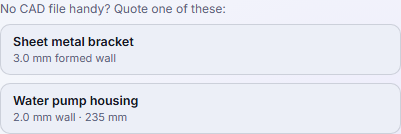
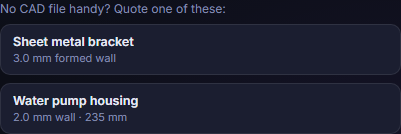
Click either one and the rest of this page follows along.
3 · Quote your own part
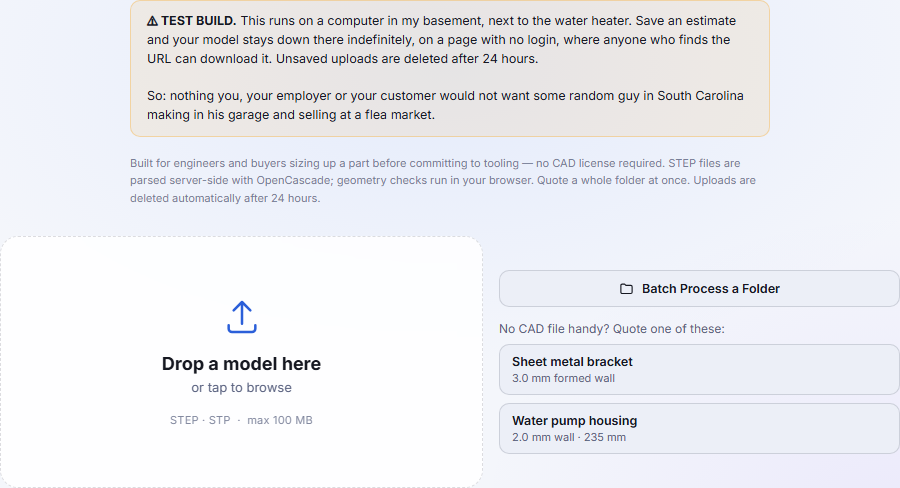
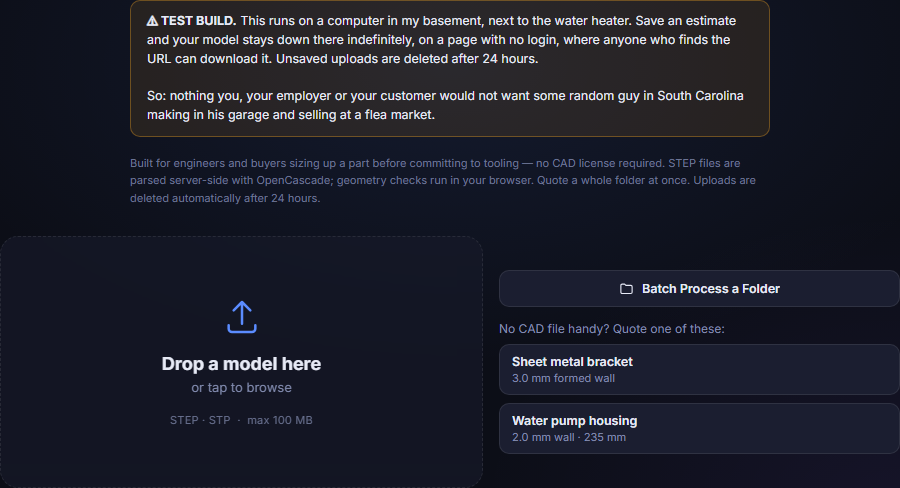
Drop a STEP file (.step or .stp) on the target,
or click to browse. STEP is the only format accepted — it carries the solid
geometry the measurements depend on, which a mesh format does not.
Read the notice at the top of that page before uploading anything. It is not boilerplate: it says plainly where your model goes and who can reach it.
4 · What it measures
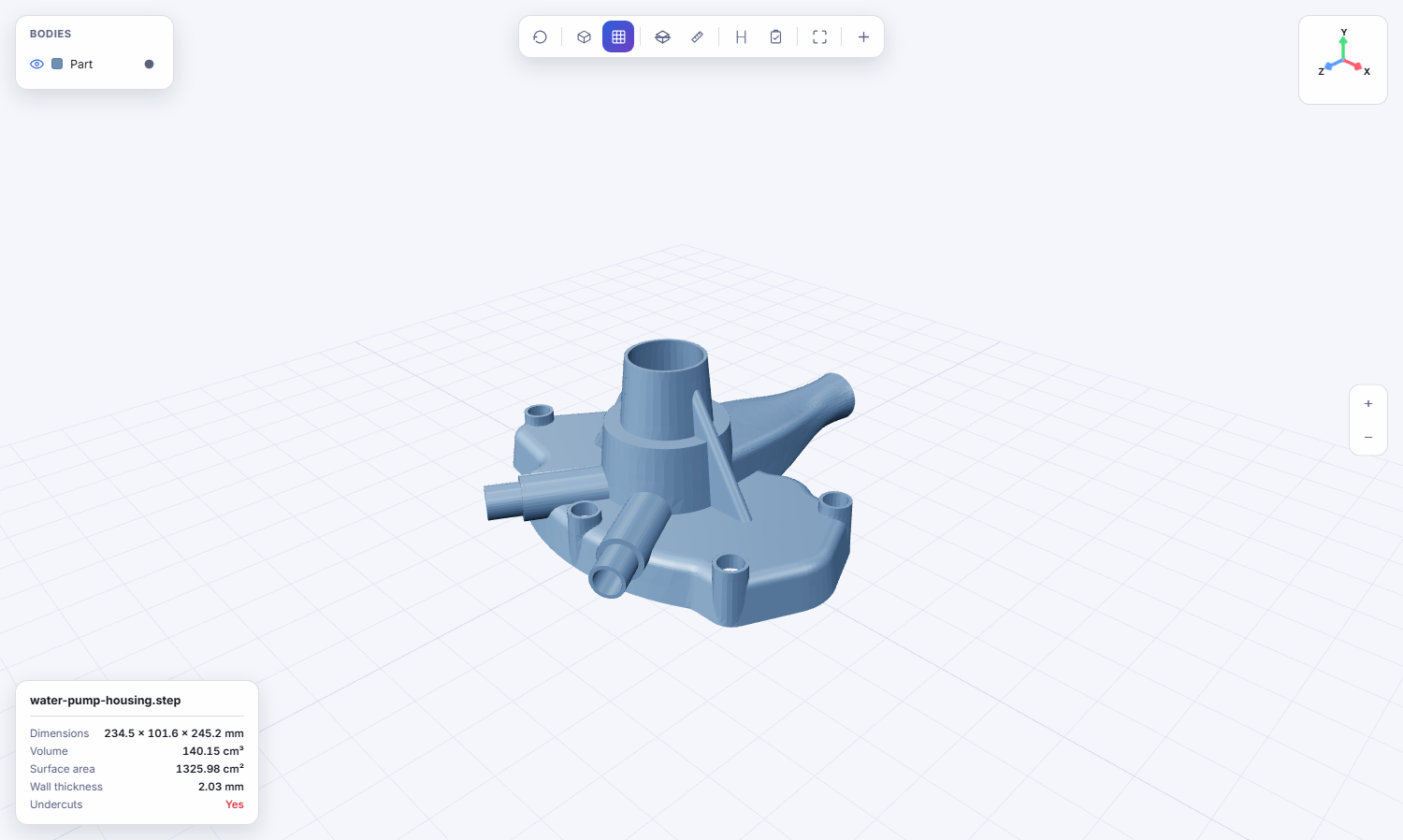
The file is parsed server-side and measured. Nothing here is typed in or estimated — it is read off the solid.
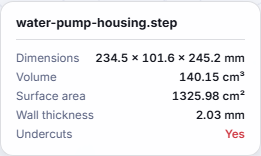
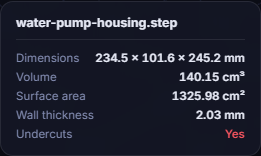
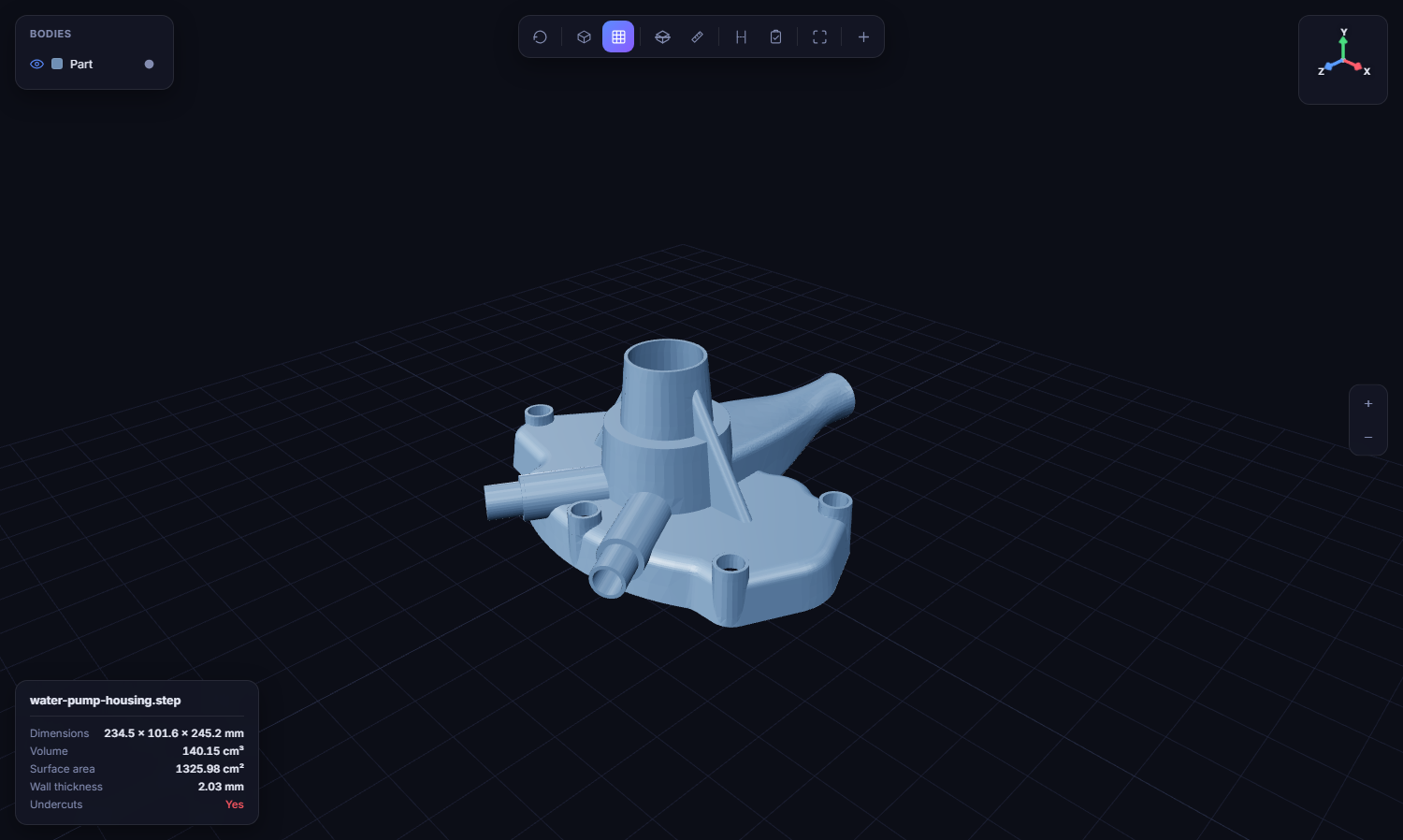
Wall thickness and undercuts are the two that decide most of what follows. Wall thickness gates which processes are even possible and sets the cooling time that drives cycle cost; undercuts mean side actions in the tool, which cost real money.
5 · Choosing a process
Press Estimate Cost and the tool screens all eight processes against the geometry first, then lets you pick.
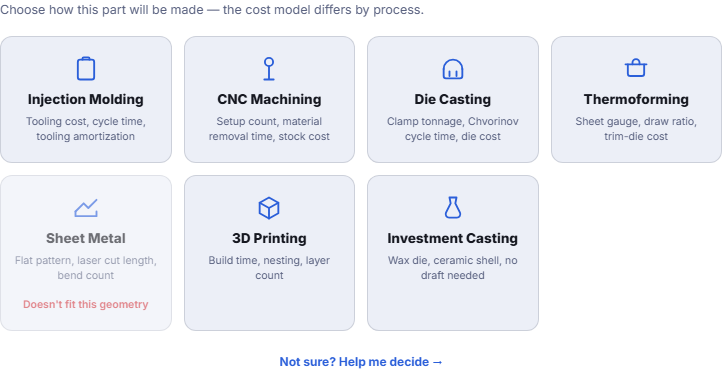
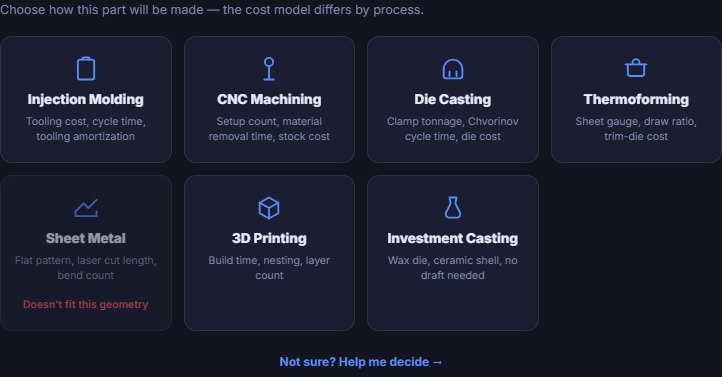
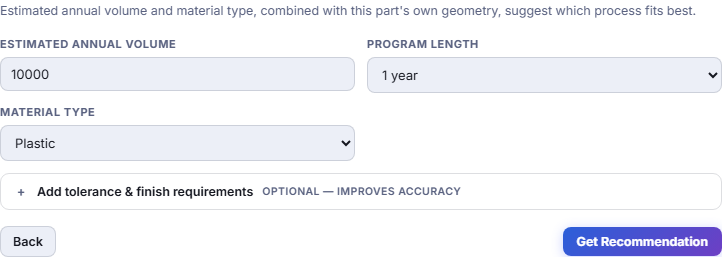
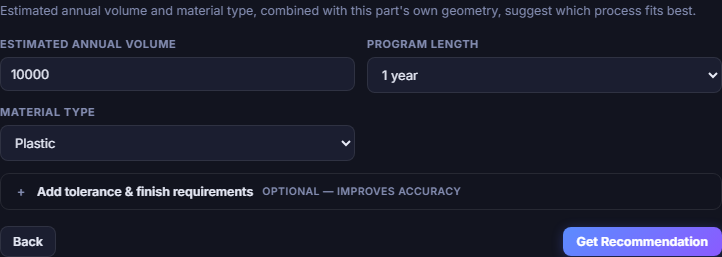
If you would rather not choose, Help me decide ranks them for you. It asks for annual volume and programme length, because those change the answer more than the geometry does.
6 · Reading the estimate
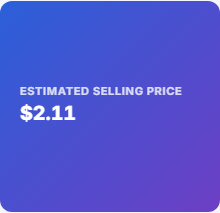
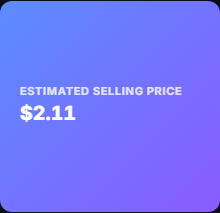
One number, not a range. That is deliberate: a range invites you to read the bottom of it as achievable, and the honest uncertainty here is wider than any range would suggest anyway.
This is a piece price, and it excludes tooling. Tooling is reported separately because you amortize it over your own programme, not over an assumption the tool made. Comparing this figure against a supplier quote that bundles tooling will make it look far cheaper than it is.
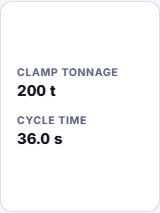
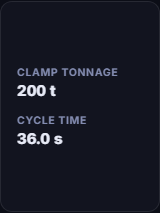
Every input behind the estimate — material, finish, tolerance, cavity count, region, margin — is editable on this panel. Change one and the price updates immediately, which is the fastest way to see what is actually driving it.
7 · Where the money goes
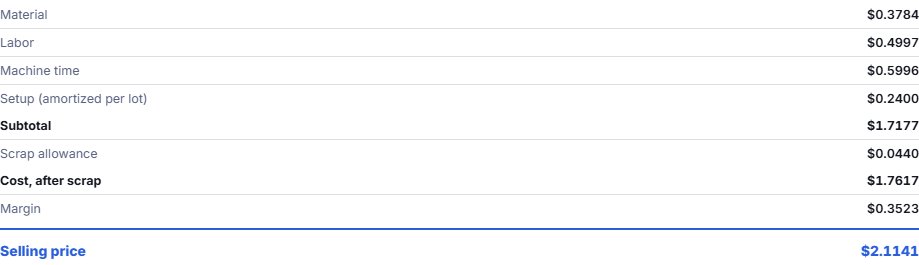
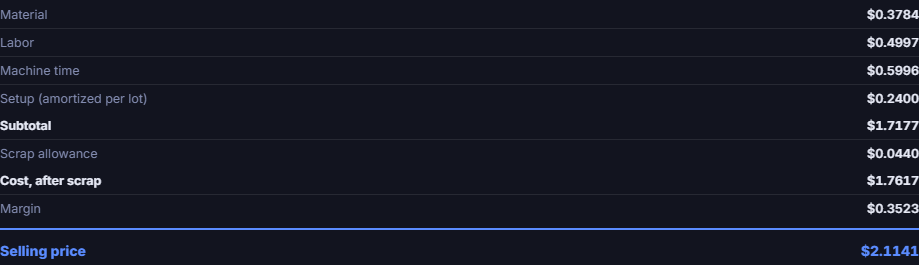
This is the part worth your attention, more than the total. If material is 60% of the cost, a design change that removes volume pays; if machine time dominates, wall thickness and cycle time are the lever. The breakdown tells you which conversation to have, and it stays useful even if the absolute number is off.
8 · Why quantity changes everything
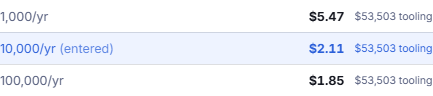
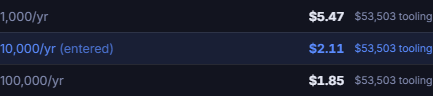
Tooling is a fixed cost spread over however many parts you make, so the per-part price falls steeply with volume and then flattens. This is why a process comparison at one quantity can be actively misleading: injection molding loses badly at 100 parts and wins comfortably at 100,000, and nothing about the part changed.
If you take one thing from this page: decide your quantity before you compare processes.
9 · Where the numbers come from
Every rate the model uses lives in an editable table, and each table records where its numbers came from. Some are anchored to market data — metal prices, sheet steel, powder costs. Some are published industry figures. And some are nobody's verified number, in which case they say UNSOURCED on their face rather than quietly looking as trustworthy as the rest.
The Answers Needed page lists exactly those: every value still waiting on a real quote, generated from the rate tables themselves so it cannot go stale. If you are evaluating this tool, that page is the honest measure of how far to trust it.
On an installed copy you would replace these with your own shop's rates, which removes the single largest source of error before a single quote is recorded.
10 · Batch & admin
Not written yet. This section will cover quoting a whole folder at once, the rate editor, recorded estimates and reading a PDF drawing alongside the model. The features exist and work — the documentation for them does not, and claiming otherwise here would be the sort of thing this page is trying to avoid.